Option 1
Interactive PDF
PowerPoint
Slides with action buttons, exported to PDF and shared through SharePoint.
Best whenBudget is minimal, content is static, and the audience sits at a desk.

Five ways to put the Lab in front of people. Compare them side by side, then open the working prototype of the recommended option.
Slides with action buttons, exported to PDF and shared through SharePoint.
Richer authoring. Pop-up panels, layered navigation, tighter control of the path.
Built in SharePoint, sitting next to the standards and details it references.
Purpose-built responsive app. The Smart Index works as a real map, on a phone.
Content separated from presentation, publishing to website, SharePoint and mobile.
Recommended option highlighted. CMS options: traditional (WordPress, Drupal, SharePoint) · headless (Contentful, Strapi, Sanity) · enterprise (Sitecore, AEM) · lightweight (Microsoft Lists, Notion).
| Option | Cost | Build effort | Updates | Design flexibility | Mobile | Skill required | Security & hosting |
|---|---|---|---|---|---|---|---|
| PowerPoint PDF | Low | Low | Moderate | Low | Poor | Low | Inherits SharePoint permissions |
| InDesign PDF | Medium | High | Low | High | Poor | High | Inherits SharePoint permissions |
| SharePoint | Low–Med | Medium | High | Moderate | Good | Low–Med | Strongest — SSO, no new surface |
| Custom website | Med–High | High | High | Very high | Excellent | Med–High | Hosting + SSO to design |
| CMS + website | Med–High | High | Very high | High | Excellent | Med–High | Hosting + authoring access |
The Smart Index is a spatial model — you select a part of the building, not a page number. Both PDF routes flatten that into a hyperlink map that drifts out of alignment within two revision cycles, and neither works on a rooftop. SharePoint is the credible cheaper alternative if the audience never extends beyond Mirvac staff; it loses on one thing only, which is that it cannot deliver this interaction model.
An interactive learning and practice platform for six critical areas of the Mirvac business — the places where errors carry the greatest commercial, safety, reputational and operational cost. Use it alongside Mirvac standards, guidelines, codes and project documentation.
External Waterproofing is fully built in this prototype. The remaining five are placeholders showing the intended structure.
Water management describes how a building sheds surface water through its waterproofing and hydraulic systems. Water must not accumulate or stagnate. It must be directed to drainage pathways without damaging the building or adjacent properties.
Waterproofing accounts for roughly 1% of project cost, yet up to 80% of post-completion cost relates to rectification. Reputational risk, customer impact and commercial impact all sit at the high end of the scale.
Drainage and waterproofing work together. Correct falls, sufficient and maintainable outlets, and overflow redundancy prevent ponding and direct water away from weak points.
Substrate · Drainage · Plant & Equipment · Access Points.
Membrane systems must accommodate structural movement, thermal expansion and settlement rather than rely on rigid detailing.
Building Joints · Membrane Termination.
Most waterproofing failures occur at interfaces. Reduce complexity, minimise joints, and properly protect and seal terminations.
Membrane Termination · Plant & Equipment.
Select products based on exposure, trafficability, elasticity and long-term performance, ensuring compatibility with adjacent systems and substrates.
Membrane Systems.
Performance depends on installation quality and sequencing. Proactive inspections and protection from post-installation damage are essential.
Substrate · Drainage · Plant & Equipment · Membrane Termination.
Hover a zone to highlight it. Roofs opens; the other five are placeholders.
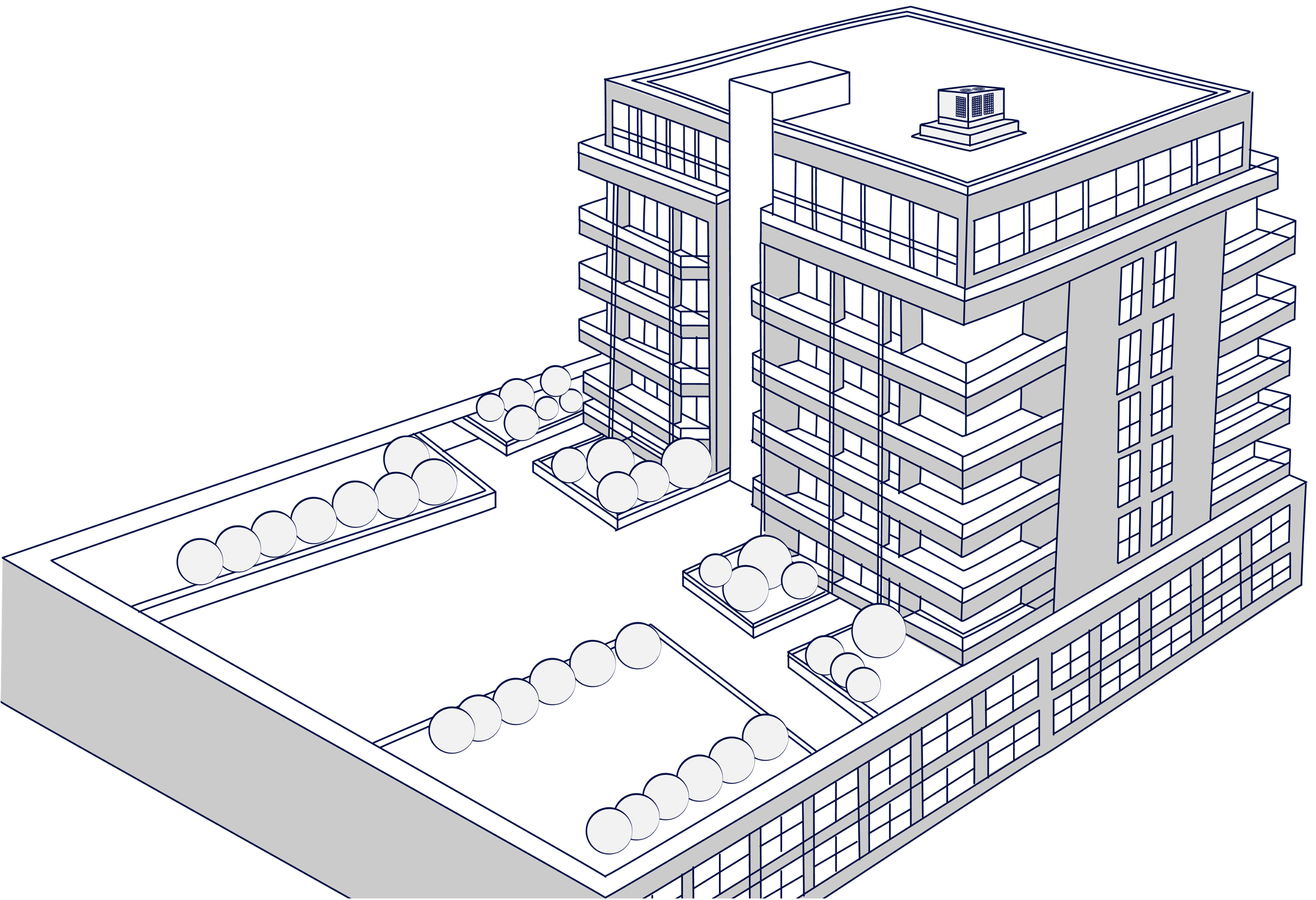
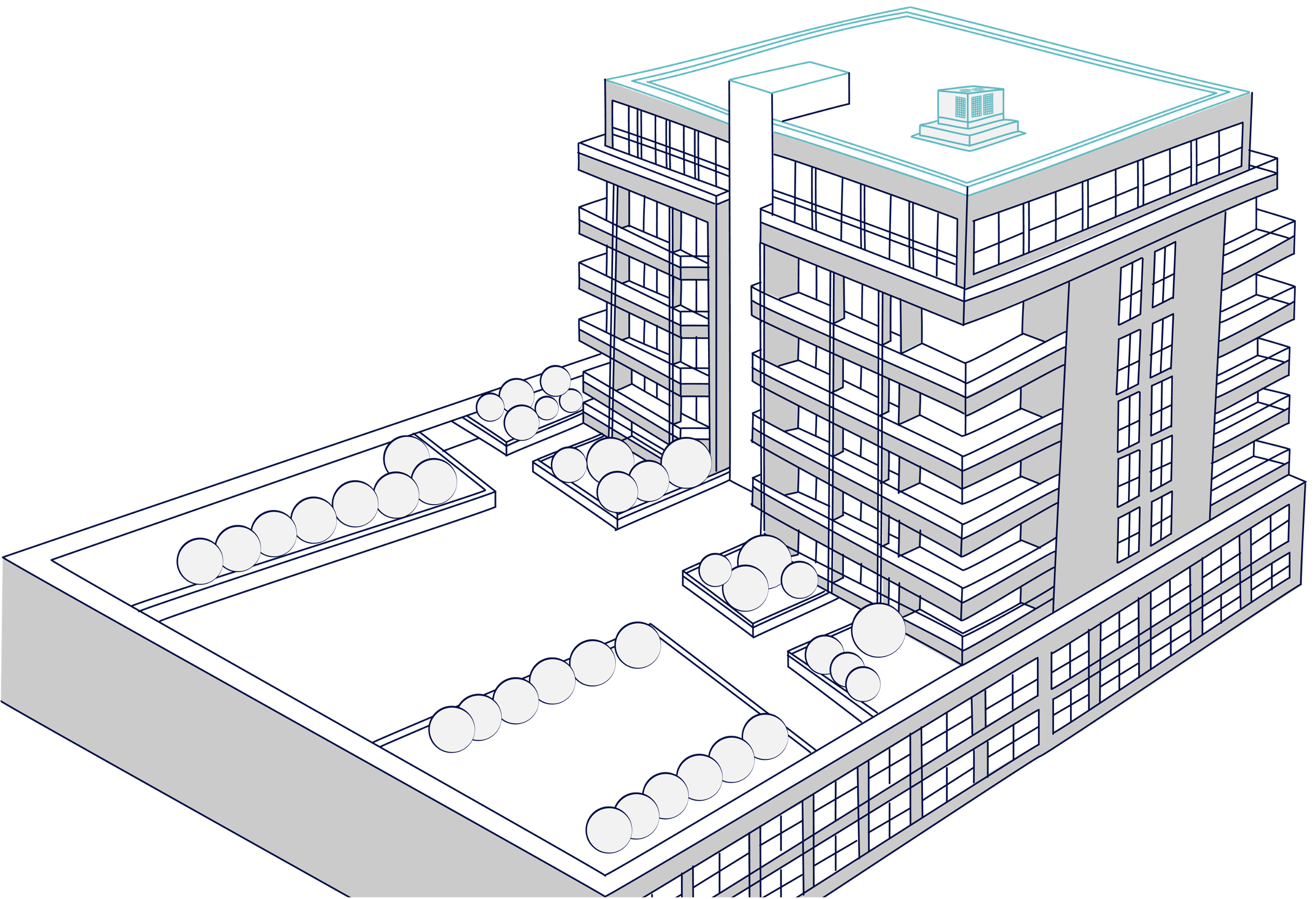
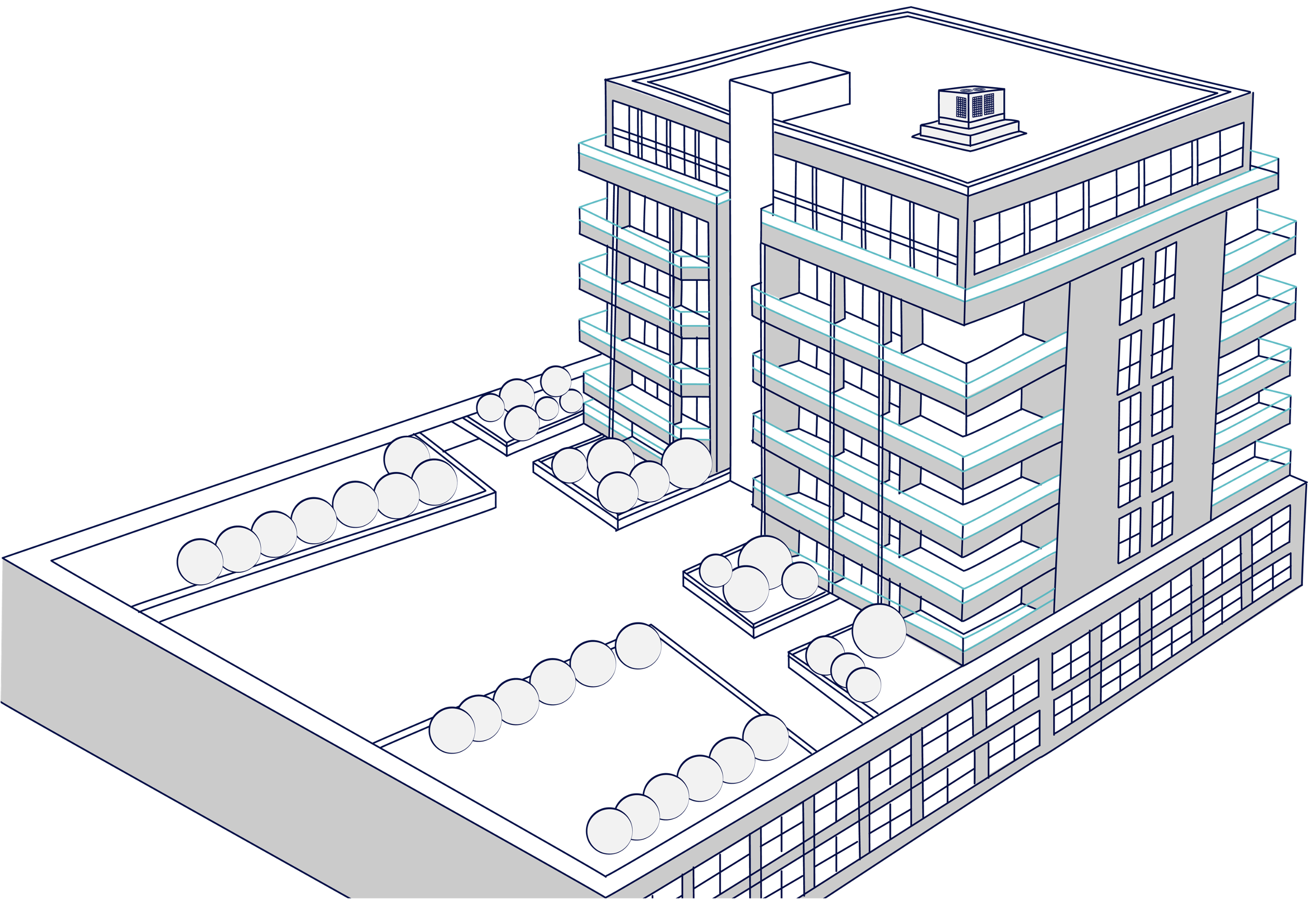
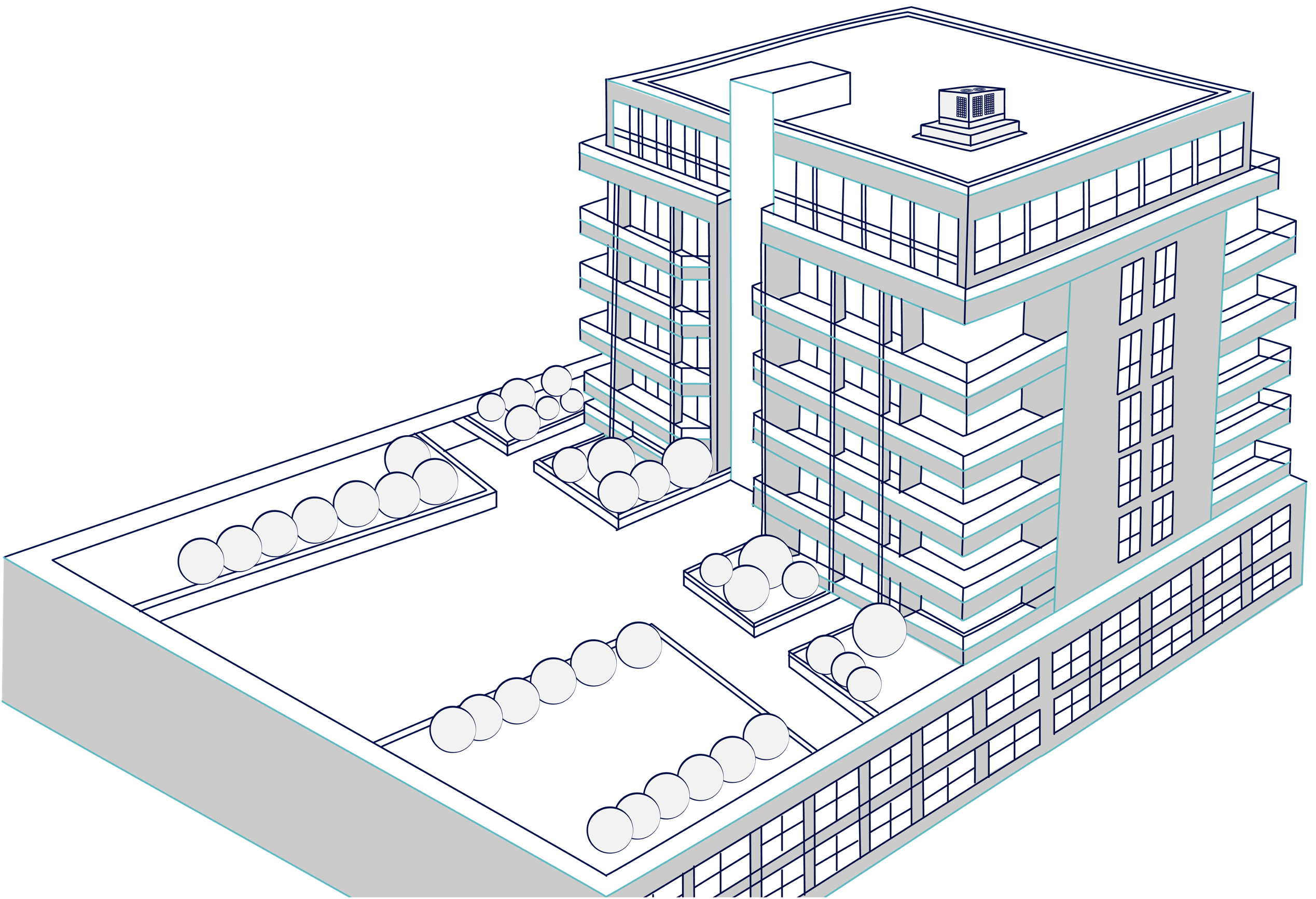
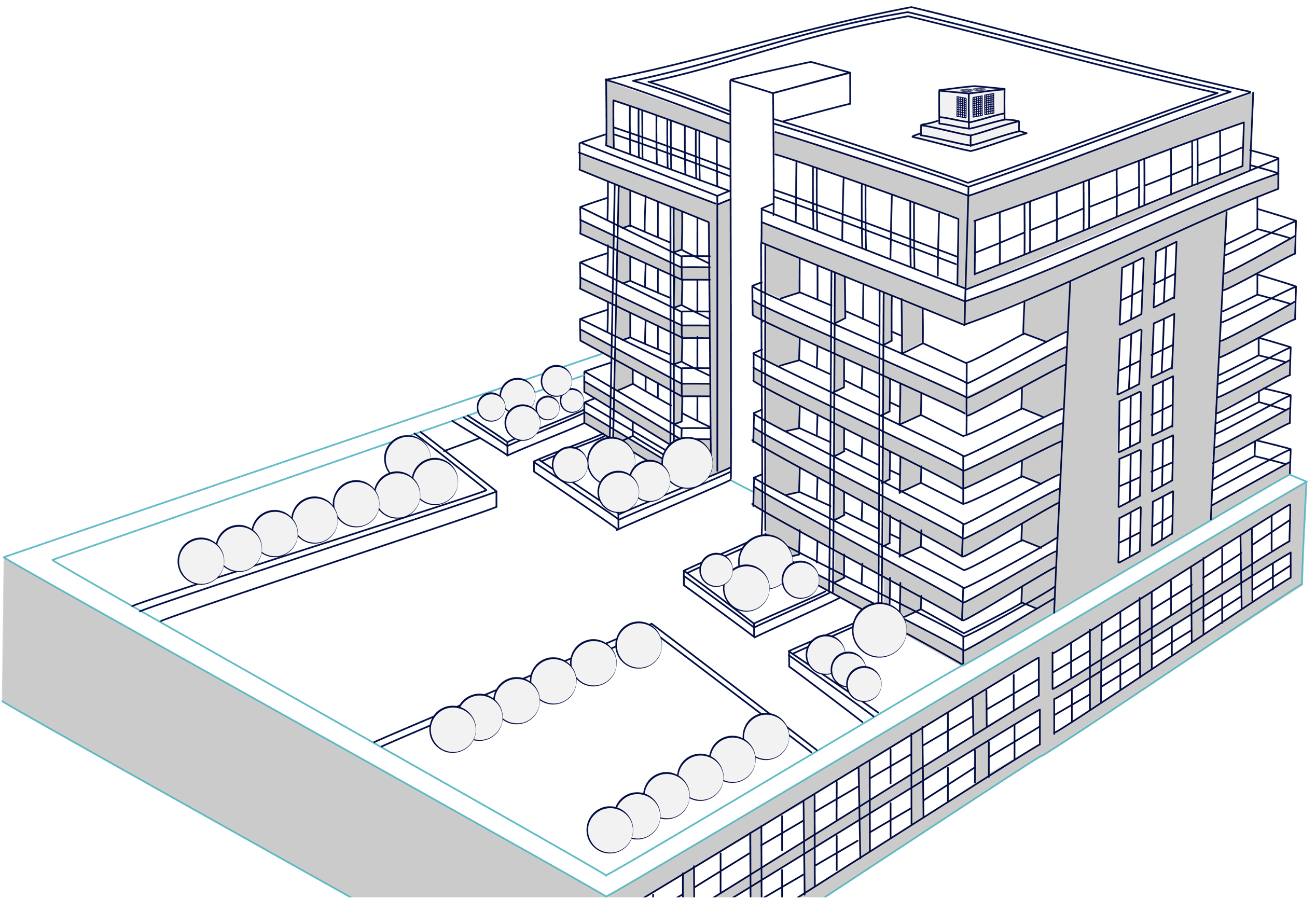
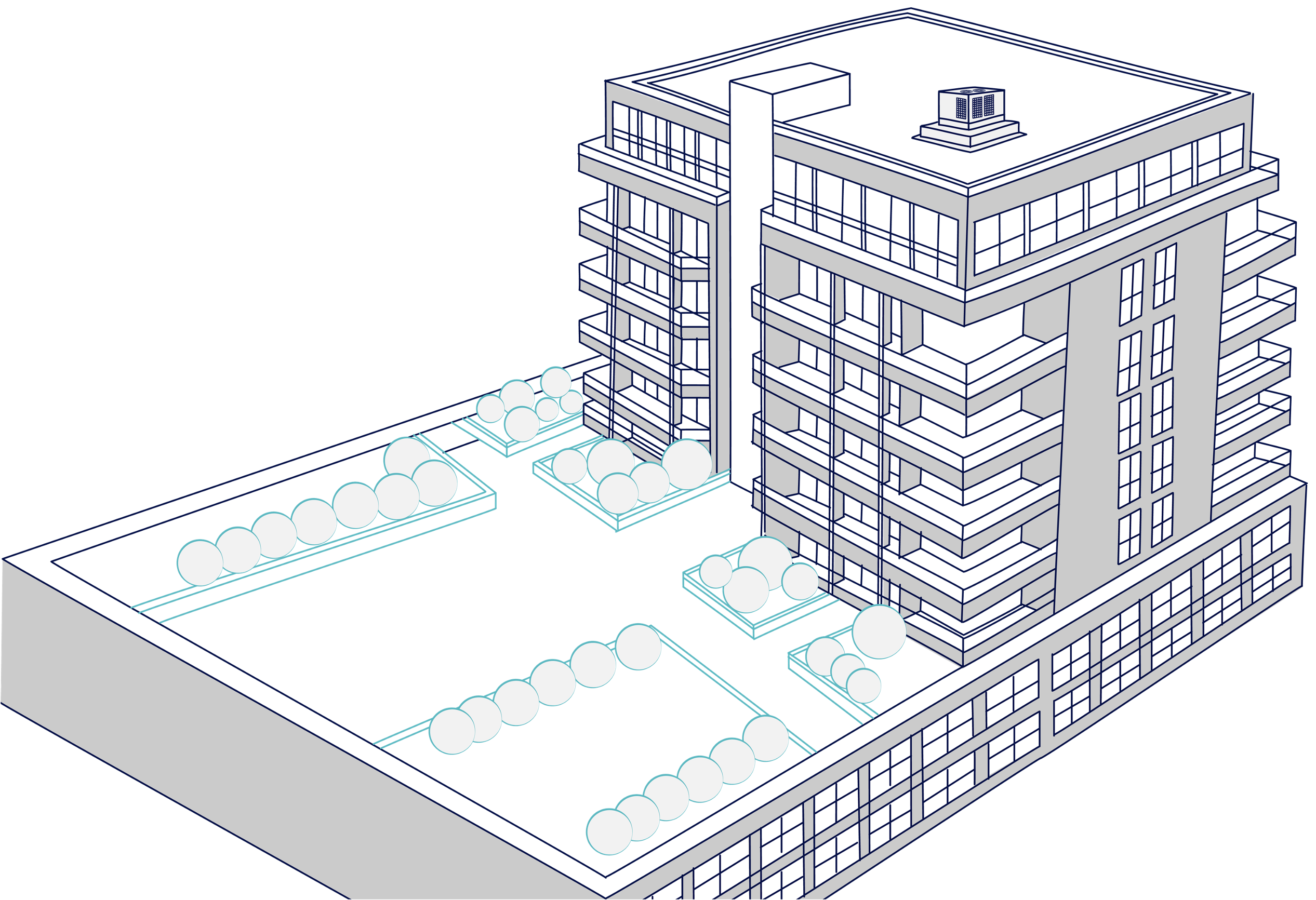
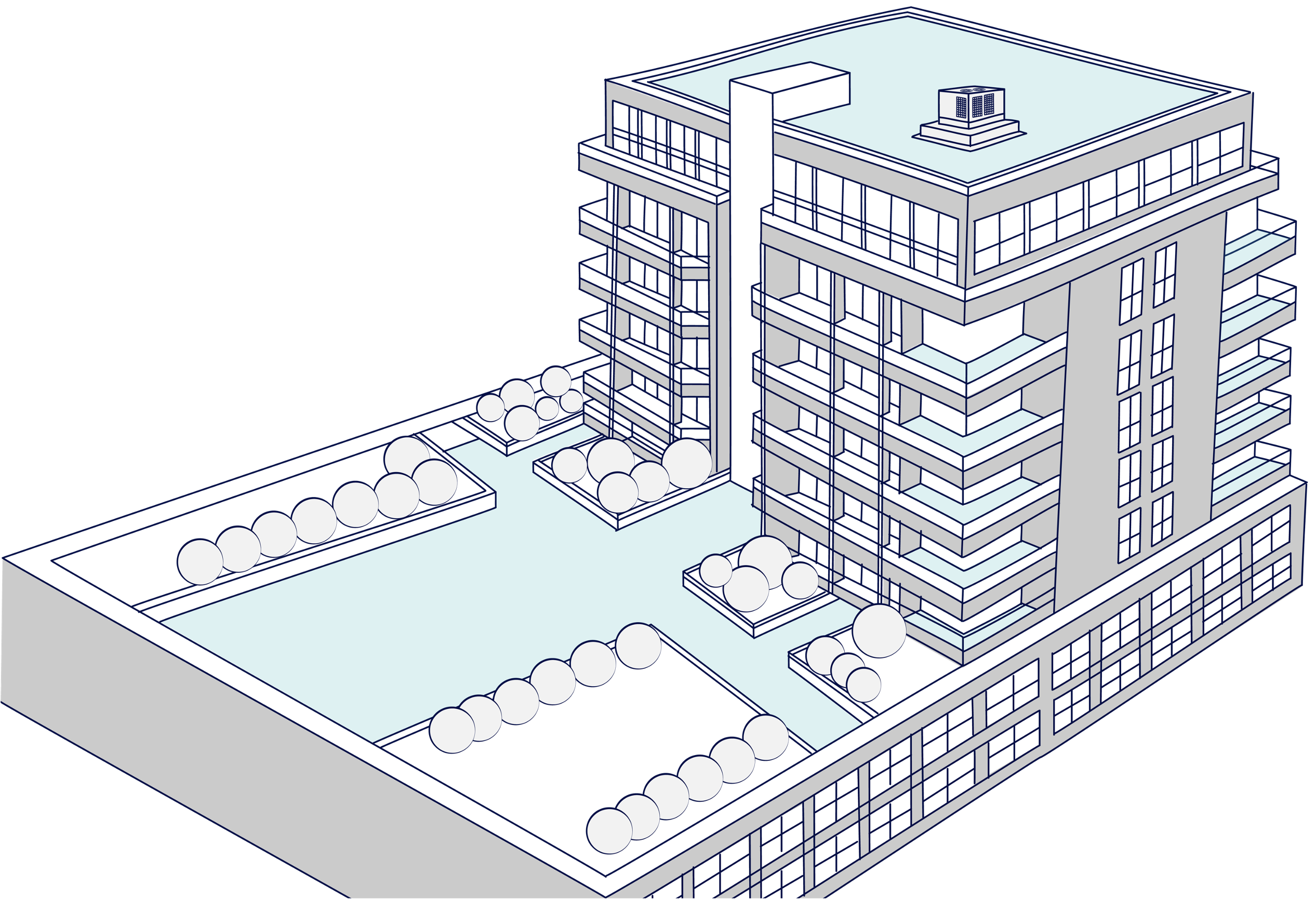
Select an element on the roof to bring up its requirements. Concrete roofs without public amenities; for roofs with public amenities, refer to Podium.
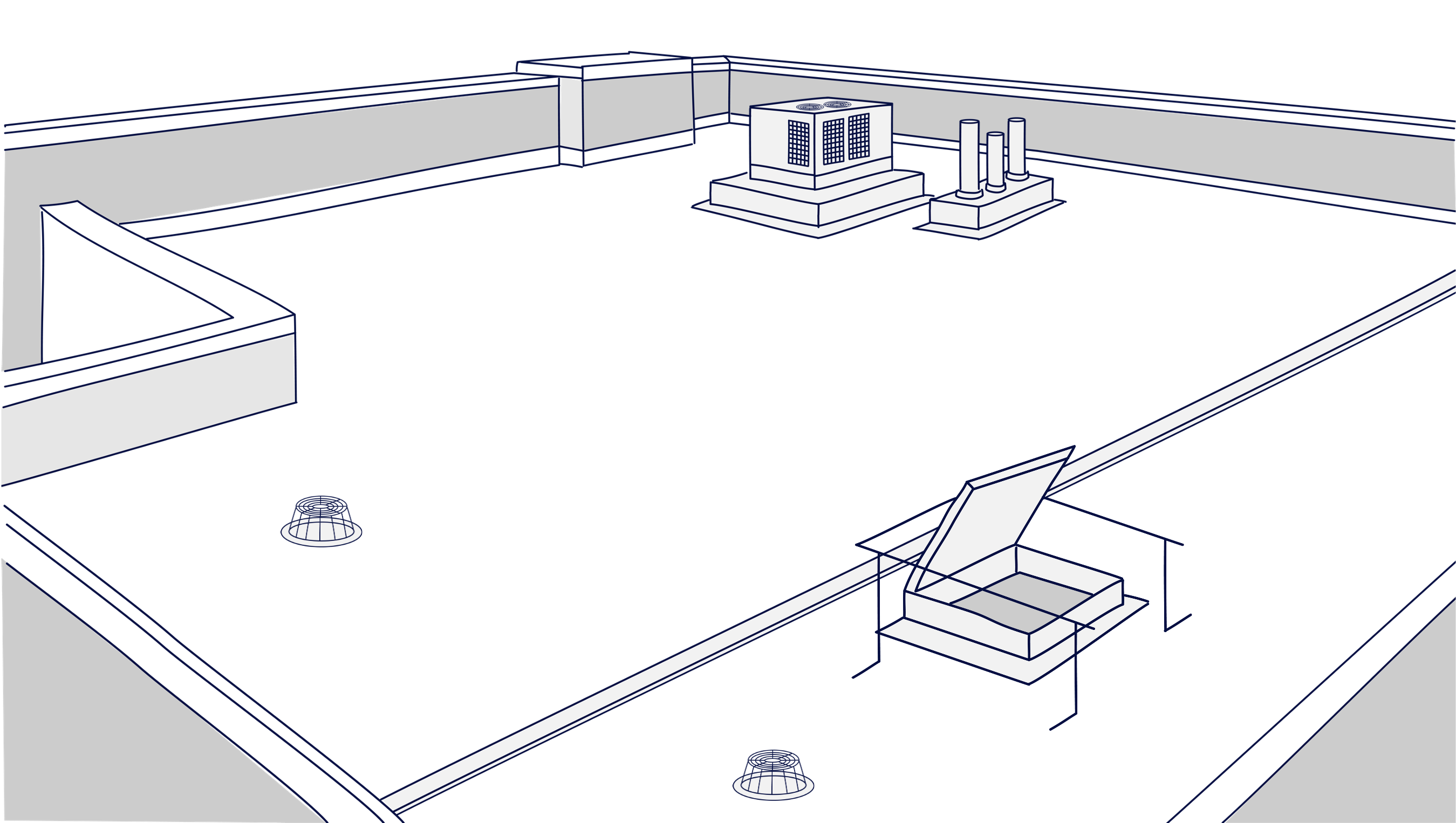
Drainage is live. Select it to load the requirements panel.
Standards, guidelines and supporting documents for External Waterproofing. Links are placeholders.